 Recur
RecurKnow every subscription before it charges you.
Recur finds the subscriptions hiding in your bank statement, reminds you before each payment, and shows where your money goes. Everything stays on your Mac.
One payment. No account. No subscription to track your subscriptions.
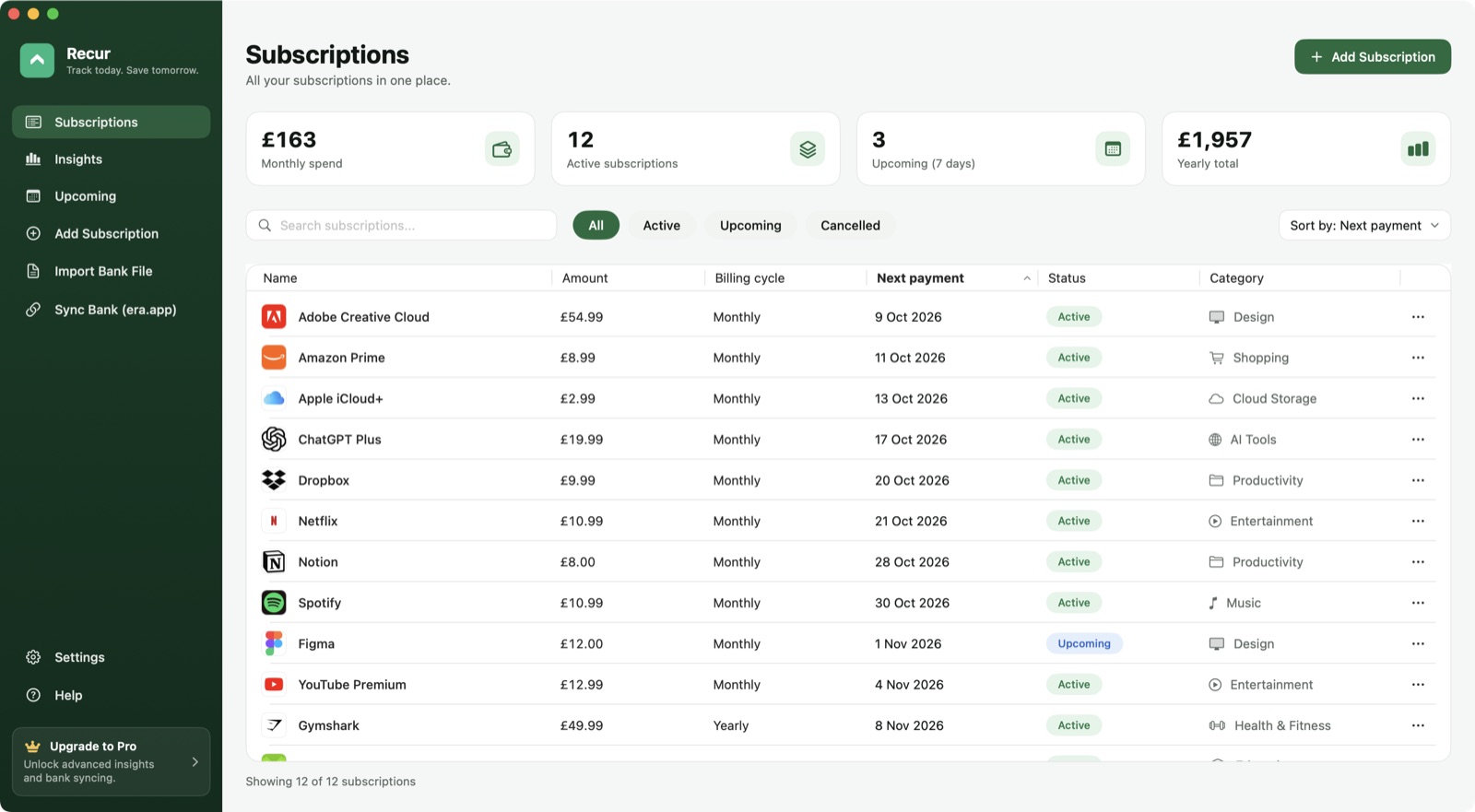
Everything you pay for, in one place
A proper Mac app: fast, keyboard friendly, light and dark mode, and a menu bar view of what's due next.
Every subscription
Sort, search and filter by status or category. Add one in seconds with brand logos filled in for you.
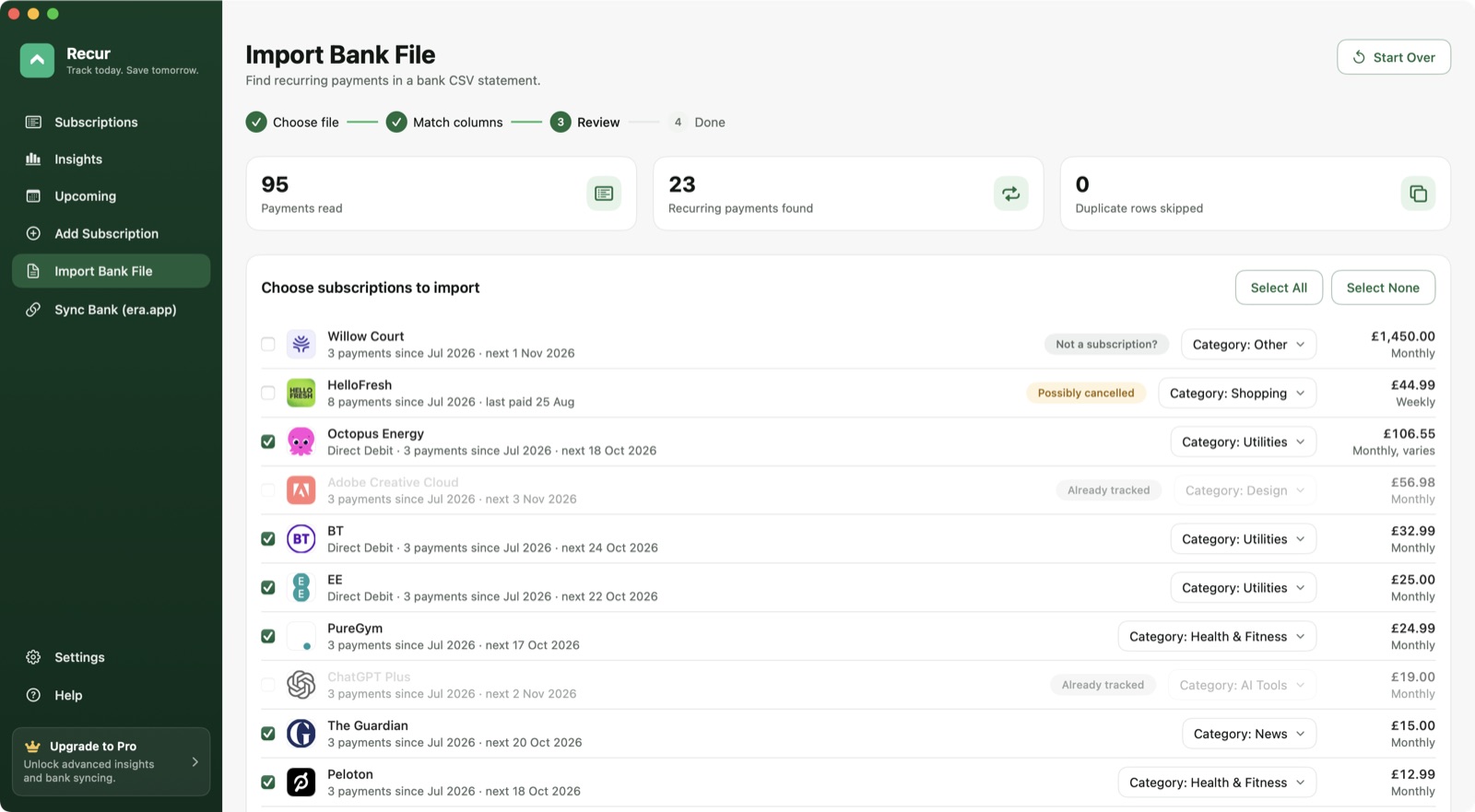
Import your bank statement
Drop in a CSV from Monzo, Starling, Barclays, HSBC or Lloyds and Recur picks out the recurring payments.
Reminders before you pay
Notifications a few days before each payment, plus a menu bar list of what's coming up this week.
Insights and savings
Monthly spending, categories and trends, with suggestions such as switching to annual billing.
Find the subscriptions you forgot about
Export a statement from your bank and drop it in. Recur spots weekly, monthly and yearly payments, including direct debits that change each month, and ignores your everyday shopping.
- Presets for the big UK banks; any other CSV can be mapped by hand
- Review every match before anything is added
- Duplicate rows and overlapping exports are skipped
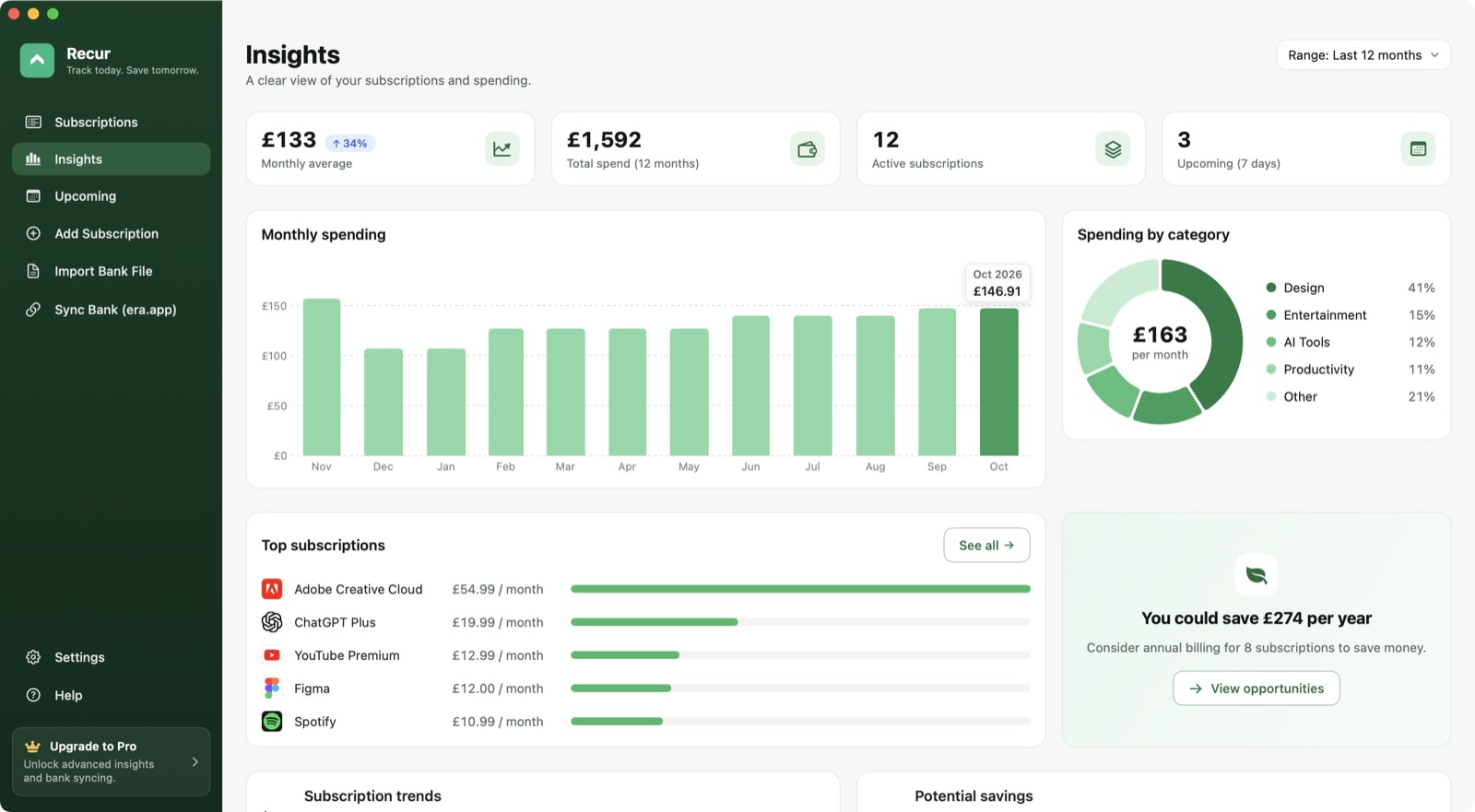
See where the money goes
Charts of your monthly spending and categories, your most expensive plans, and where you could save, without any of your data leaving your Mac.
- Spending history over 3, 6 or 12 months
- Spot overlapping services in the same category
- Upcoming payments grouped by today, this week and this month
Pay once. Keep it for life.
Try everything free for 14 days. If Recur helps you cancel one forgotten subscription, it has probably paid for itself.
Checkout couldn't be started. Please try again in a moment.
Too many attempts. Please wait a minute and try again.
£29 one-time
- Every feature, including bank import and insights
- Use it on up to 3 of your Macs
- Free updates for version 1
- Your key arrives by email straight away
Secure payment by Stripe. VAT included where applicable.
Questions
How does the free trial work?
Download Recur and use every feature for 14 days, no card needed. After that your data stays viewable, but adding or editing needs a licence key.
Where is my data stored?
Only on your Mac. There's no Recur account and no cloud sync. Bank statements are read on your Mac and never uploaded.
How do I get my licence key?
It's emailed to you as soon as payment completes. Open Recur, click Upgrade to Pro, then Enter Licence Key. Lost it? Get it sent again.
Can I use it on more than one Mac?
Yes, one licence covers up to 3 of your own Macs. You can move a licence by deactivating it in Settings on the old Mac.
What if it's not for me?
Email us within 14 days of buying and we'll refund you in full.